 YouTube to Kindle
Read YouTube videos on your Kindle
Turn any YouTube video into a clean, chaptered e-book and send it straight to your Kindle. Read the talk instead of watching it.
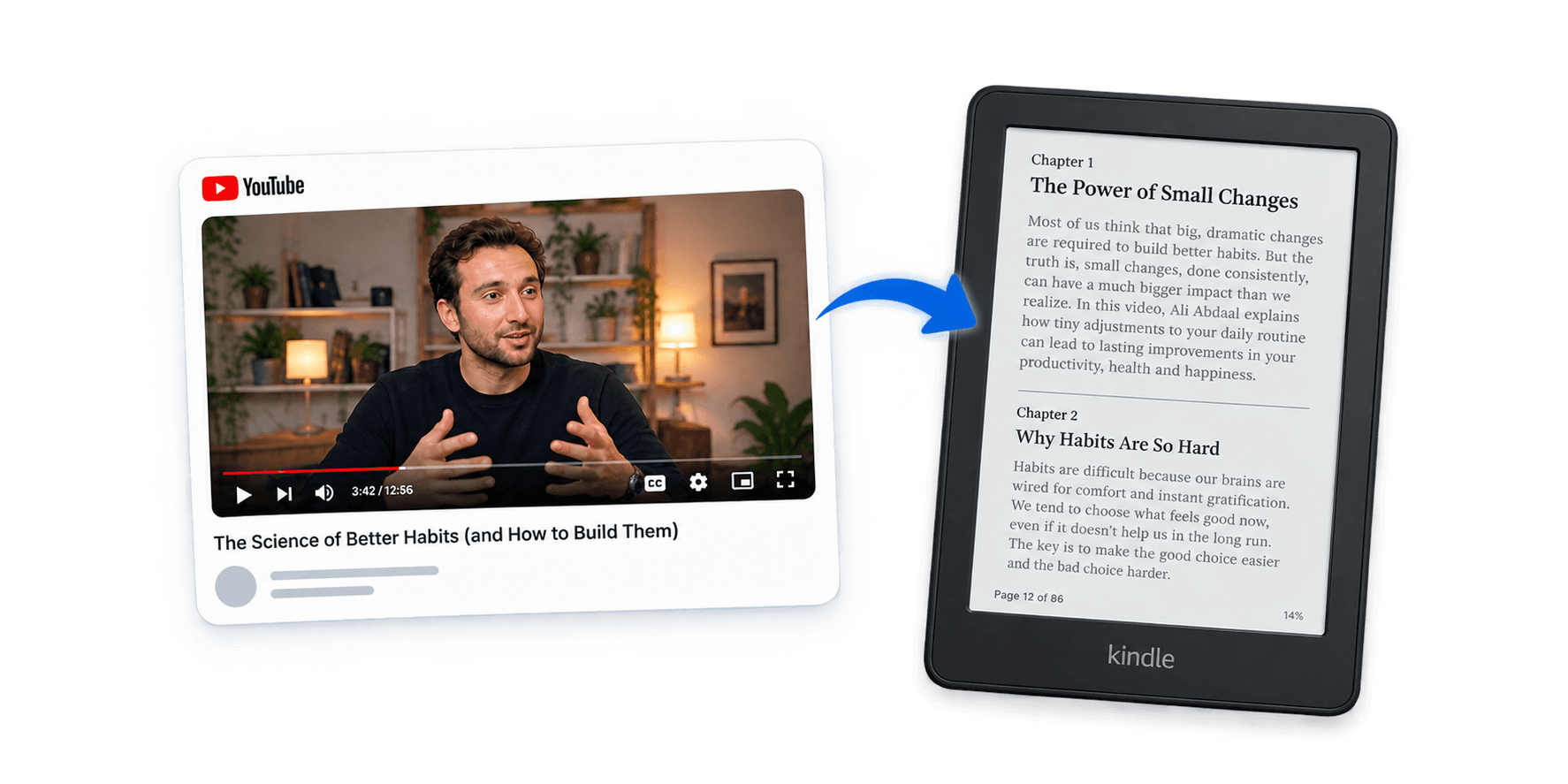
A reading edition, not a transcript dump
A raw transcript is unreadable: no punctuation, no paragraphs, and every “um” the speaker ever said. We remove filler words and false starts, repair speech-to-text typos, cut sponsor segments, and organise the content into meaningful sections and chapters.
Transcripts also lean on things you were meant to be looking at. A speaker says “look at this” and, without the video, that means nothing. We use the surrounding context to explain what was being shown — kept as minimal as possible, to preserve the speaker’s meaning and style.
What arrives is a proper e-book: a title page, chapters you can navigate, and text your Kindle can reflow and resize.
Raw transcript
so um what i want to talk about today is is basically like the three things that that make this work and you can see here on the slide uh the first one is
On your Kindle
What I want to talk about today is the three things that make this work. The first is consistency.
Illustrative example.
Frequently asked questions
Why do I have to add an email address to Amazon?
Amazon only accepts documents sent to your Kindle from addresses on your Approved Personal Document E-mail List, and it discards everything else without an error or a bounce. Adding read@youtubetokindle.com once is what lets your books arrive. It takes about a minute and you never do it again.
Does it work on every video?
It works on any video that has a transcript — which is most of them, since YouTube generates captions automatically. If a creator has disabled captions entirely there is nothing to convert, and the extension will tell you so rather than sending you an empty book.
How long does a conversion take?
Usually a minute or two. A long podcast takes longer, because the whole transcript is rewritten rather than skimmed. You can close the popup while it works — it keeps going and emails you when it is done.
What happens to the transcript?
It is sent to our server and passed to an AI service to be edited and chaptered, then packaged as an e-book and emailed to your Kindle. The finished book is not kept after it has been sent. The privacy policy describes exactly what is stored and who it is shared with. Read the privacy policy.
What is the difference between free and paid?
Free gives you 3 conversions of videos under 40 minutes, with no account and no card. Paid removes the limit on how many you convert and raises the length ceiling to 8 hours, which covers full-length podcasts and talks.
Can I cancel?
Any time, from Settings inside the extension. Cancelling stops the next payment and you keep access until the end of the period you have already paid for.